LabLog6.0.0
Publisher Description
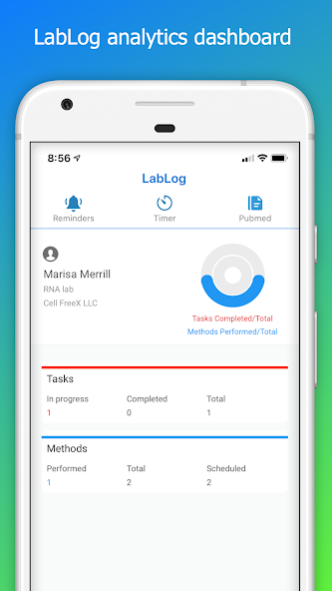
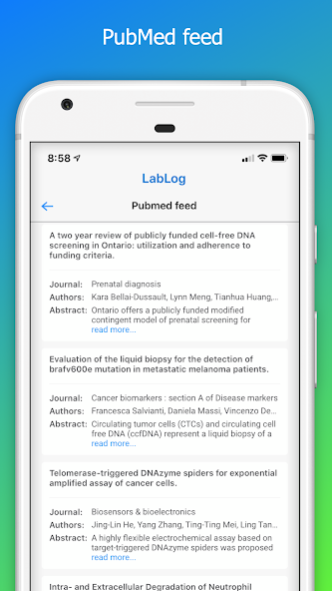

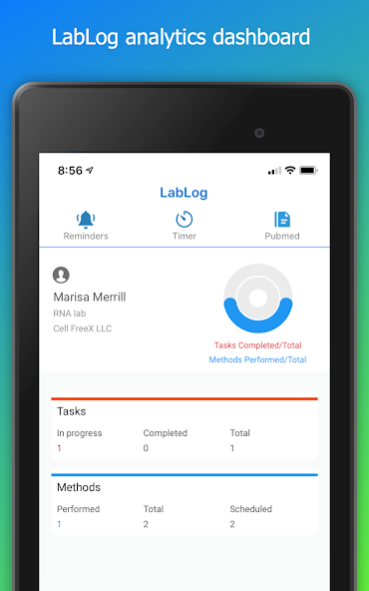
LabLog is a lab notebook app that is easy to use for note-taking and laboratory project management. At LabLog we work hard to deliver features that you need from a lab notebook.
TAKE NOTES OFFLINE - SYNC WHEN ONLINE
LabLog is an Intuitive and Easy To Use lab notebook that does not require constant network connection while you take notes.
BECOME MORE PRODUCTIVE
LabLog's user interface is intuitive and allows you to focus on your Experiments and Protocols. Group results based on the strain or cell type, record replicate data points for further analysis or follow a time-course experiment.
FAST SEARCH
With LabLog's native search functionality find all your Protocols and Experiments in one place. Search results appear as you type in the search bar. The main view makes it easy to see all your documents in one place.
CLOUD BACKUPS AND HISTORY VIEW
LabLog backs up all your notes in the cloud, backed by the Microsoft Azure Cloud Database. LabLog syncs your Experiments and Protocols with a management tool to make audit-trails, industry-grade management, and compliance easy.
LabLog FEATURES AT A GLANCE
▸ Fast Search
▸ Easy to use lab notebook
▸ FDA part 11 compliant
▸ Manage teams
▸ electronic signatures
▸ Attach high-resolution photos to Methods and Experiments
▸ Schedule and add Reminders to planned Experiments
▸ Regular updates with new features for laboratory use
▸ 24/7 Tech Support
About LabLog
The company that develops LabLog is LabLog. The latest version released by its developer is 6.0.0.
To install LabLog on your Android device, just click the green Continue To App button above to start the installation process. The app is listed on our website since 2020-09-17 and was downloaded 5 times. We have already checked if the download link is safe, however for your own protection we recommend that you scan the downloaded app with your antivirus. Your antivirus may detect the LabLog as malware as malware if the download link to com.Aiderbotics.Lab_Log is broken.
How to install LabLog on your Android device:
- Click on the Continue To App button on our website. This will redirect you to Google Play.
- Once the LabLog is shown in the Google Play listing of your Android device, you can start its download and installation. Tap on the Install button located below the search bar and to the right of the app icon.
- A pop-up window with the permissions required by LabLog will be shown. Click on Accept to continue the process.
- LabLog will be downloaded onto your device, displaying a progress. Once the download completes, the installation will start and you'll get a notification after the installation is finished.
Program Details
System requirements
Download information
Pricing
Version History
version 6.0.0
posted on 2020-09-17
LabLog is an Electronic Lab Notebook app for lab research for Corporate and Academic users. LabLog is independently audited to ensure compliance to cybersecurity and federal regulations.
What's new:
- Lab timer allows running multiple timers in the app
- electronic signatures (21 CFR Part 11 compliant app)
- team management
- save files in cloud
- audit trails
- the timer now works when the app is in background
- PubMed quick search and read
- data analytics
- new dashboard to show progress
